
Updates
November 26, 2025
Eventsheet’s AI tools make branding and ad creation simple. Start a new project and open the AI Brand Summary tool to add your brand voice, messaging style, and audience. Eventsheet will generate a polished summary that becomes the foundation for all future AI content. Refine it as needed, then use the AI Copy Assistant to instantly create on-brand ads.
November 11, 2025
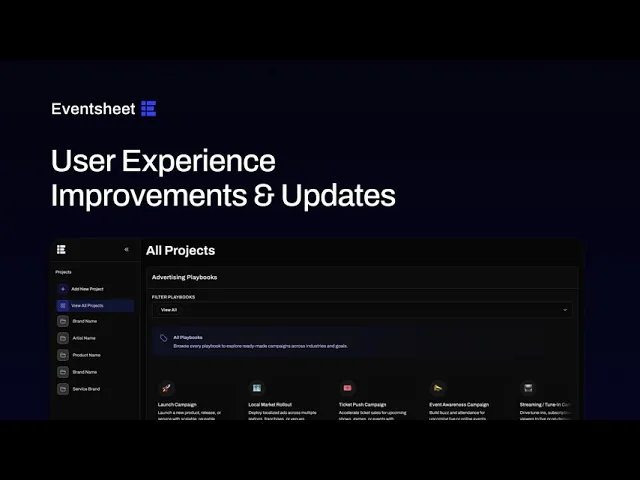
Get up to speed with the new Eventsheet interface and organize your ads more efficiently with this clear, step-by-step tutorial. You'll see key actions and major updates to the workflow for fast, intuitive learning.
April 16, 2025
Multiple Ad Locations
We’re excited to introduce a powerful update to Eventsheet: Multiple Ad Locations, giving users even more precision and reach when promoting their events. This update is designed to help promoters, marketers, and agencies efficiently reach fans across multiple local markets, increasing visibility and conversions without duplicating effort.
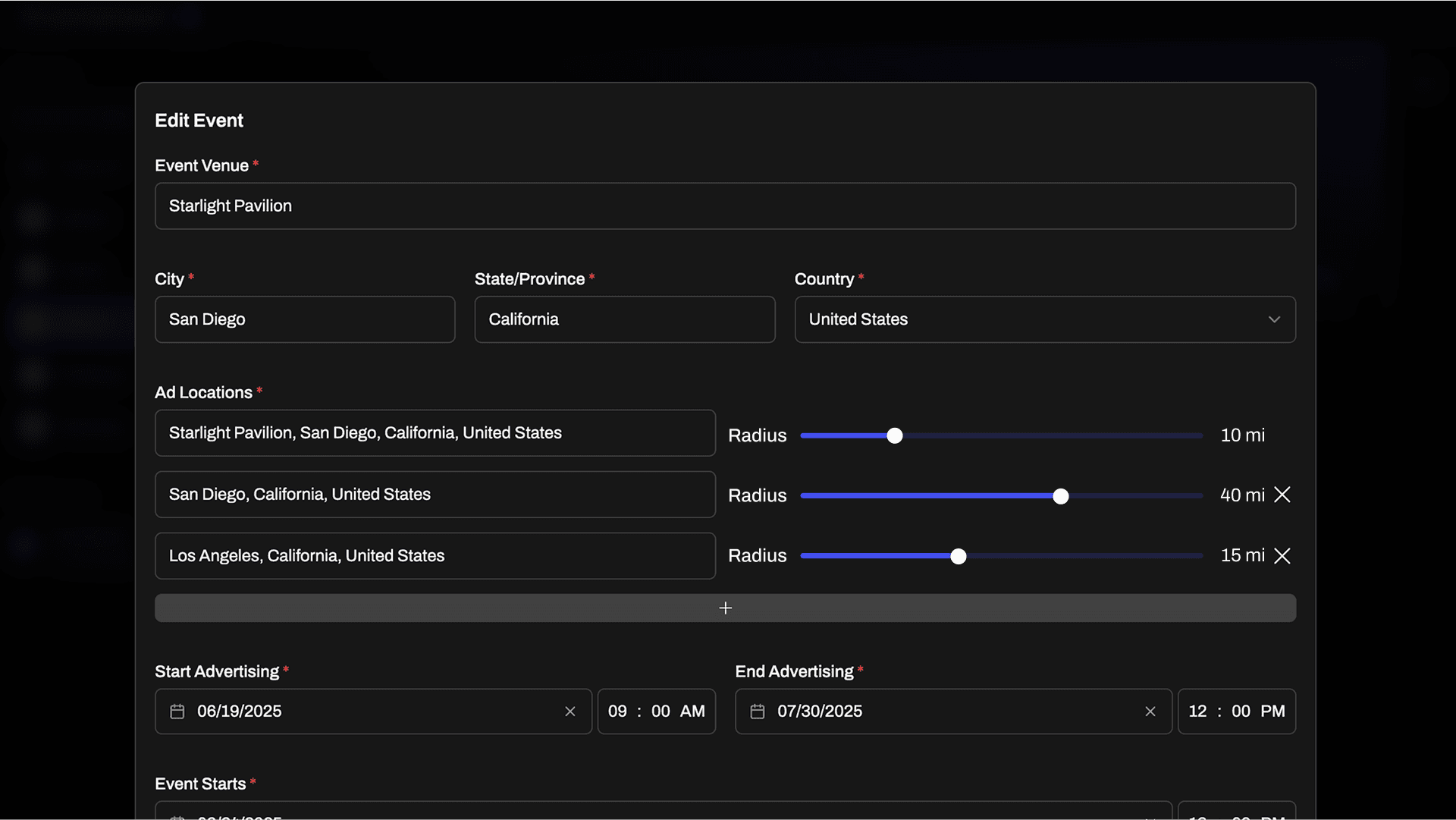
Here’s what’s new:
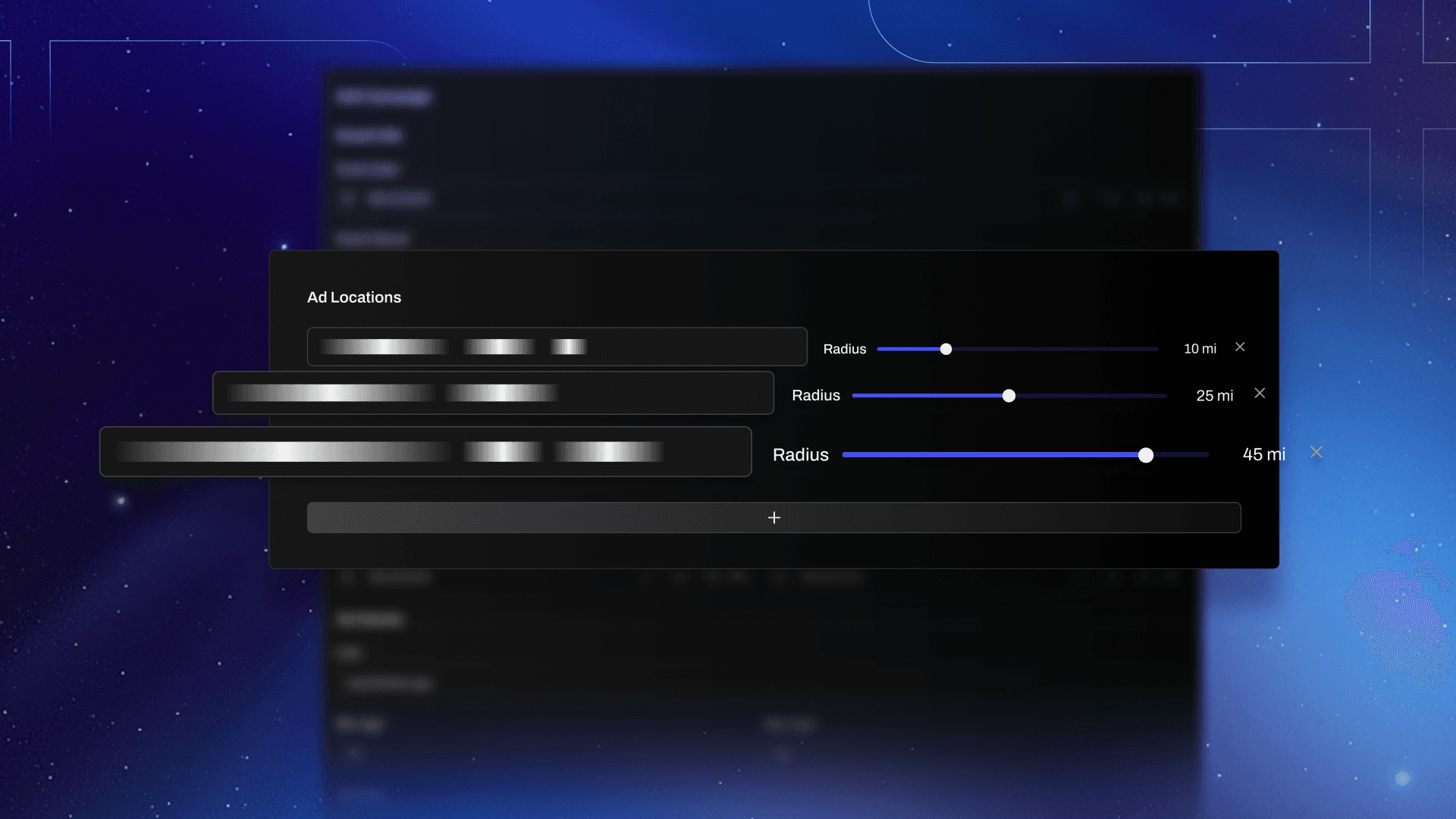
Multiple Ad Locations: You can now assign multiple geolocations to a single event or ad set, helping your campaigns target different areas at once.
Mile Radius Slider: Each ad location now includes a customizable mile radius slider, giving you more granular control over how wide your ads are seen within each area.
Native Integration with Facebook Ads Manager: All selected ad locations are automatically pushed to Facebook Ads Manager for seamless campaign execution—no extra steps needed.
March 24, 2025
We’re excited to announce a new update that makes building campaigns even easier. Users can now select multiple creatives in the media upload field, and Eventsheet does the rest. Our backend automatically selects and matches different variations of the content you’ve uploaded, pairing them within Facebook’s Ad Manager, making your job even more effortless.